

Train new hires faster and keep them longer
Make new hire training your first defense against turnover. Opus turns onboarding into a playbook that builds confident, capable teams from day one.
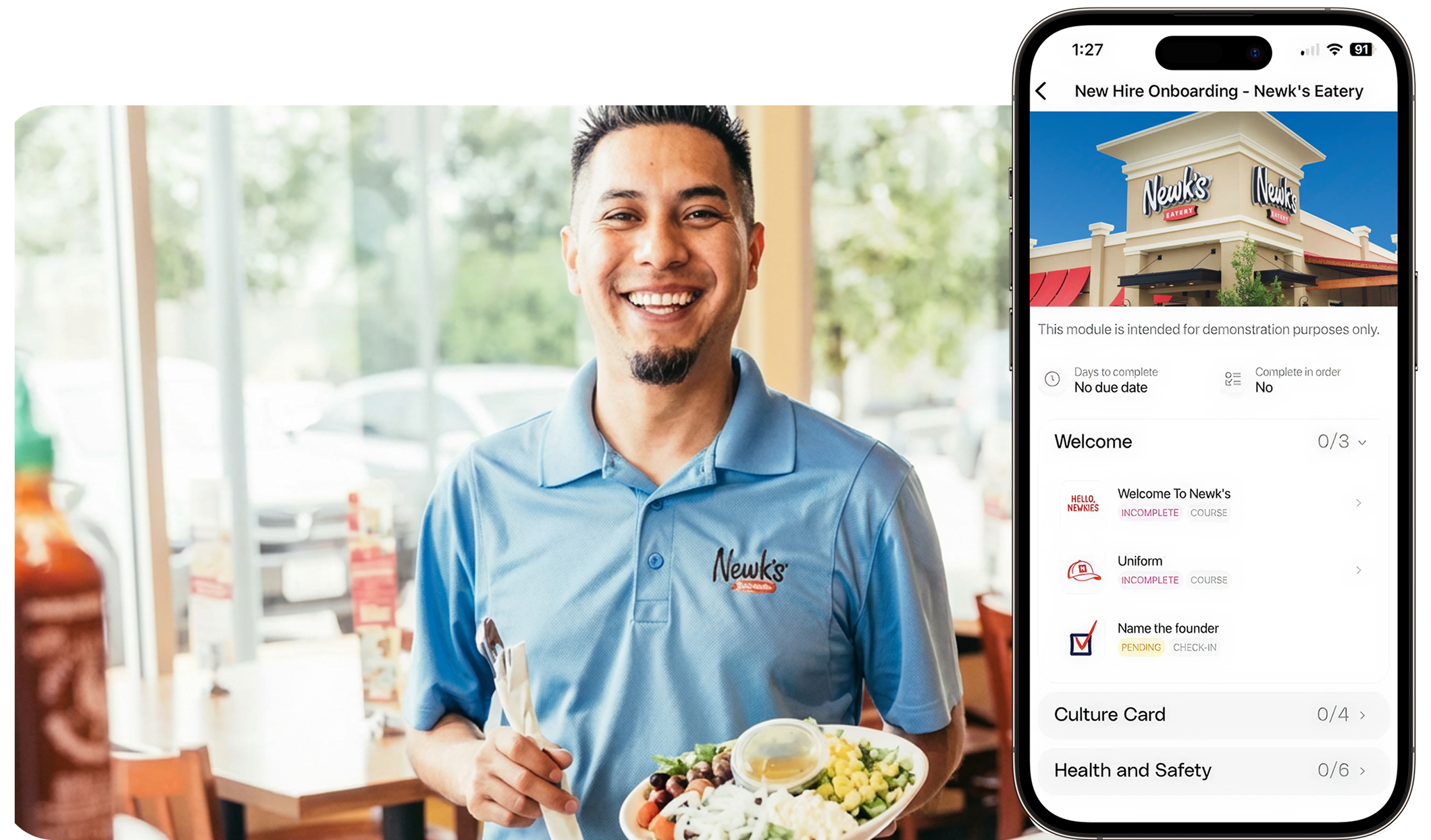
How Opus supports new hire onboarding
Retention starts on day one. Opus helps you onboard fast without cutting corners—so new hires feel supported, managers stay sane, and you can guide people where they need help, instantly.
Instant training access, zero tech hassle
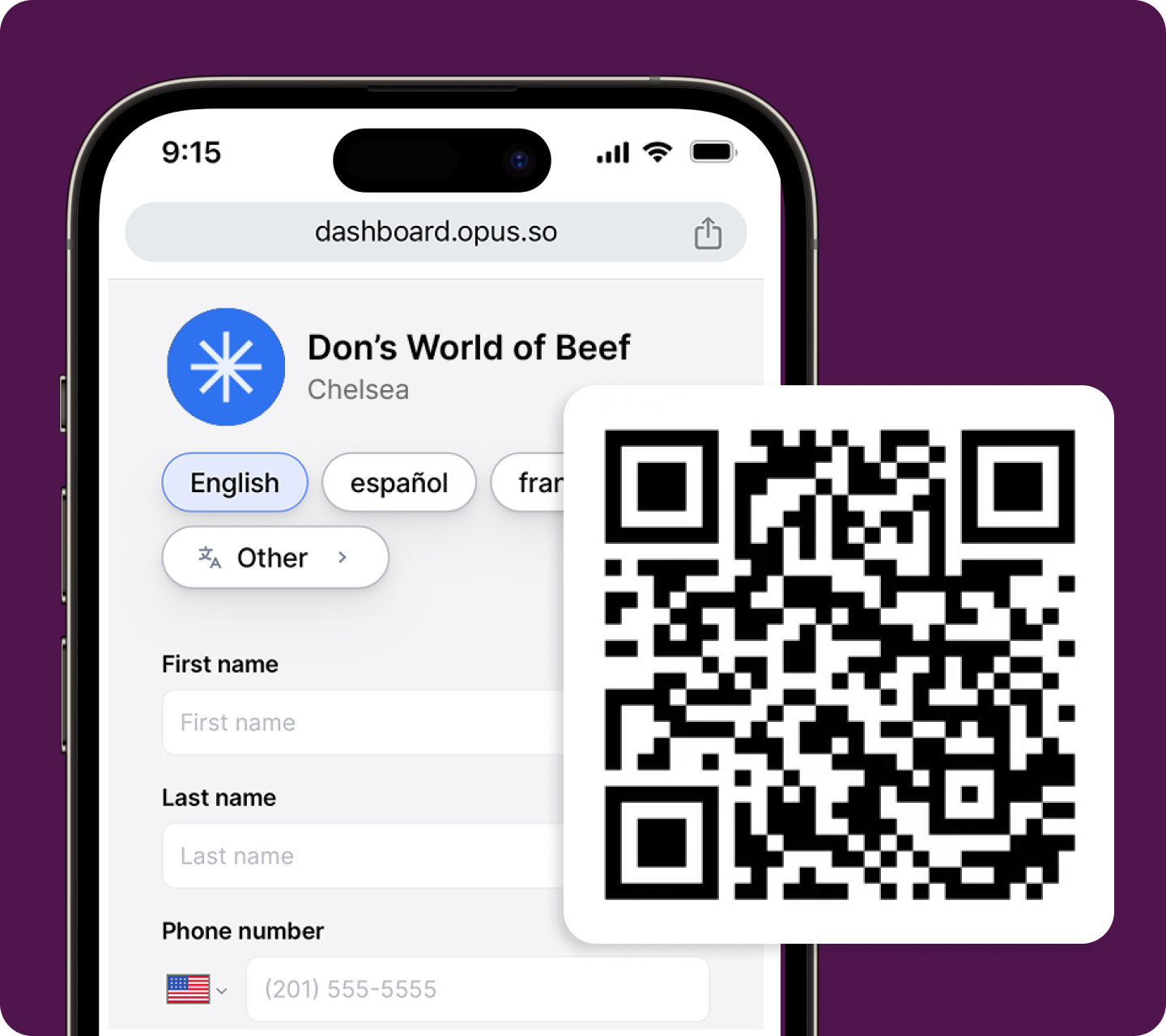
New hires scan a QR code and start training in 12 seconds—no email required, no passwords to reset, no IT delays.

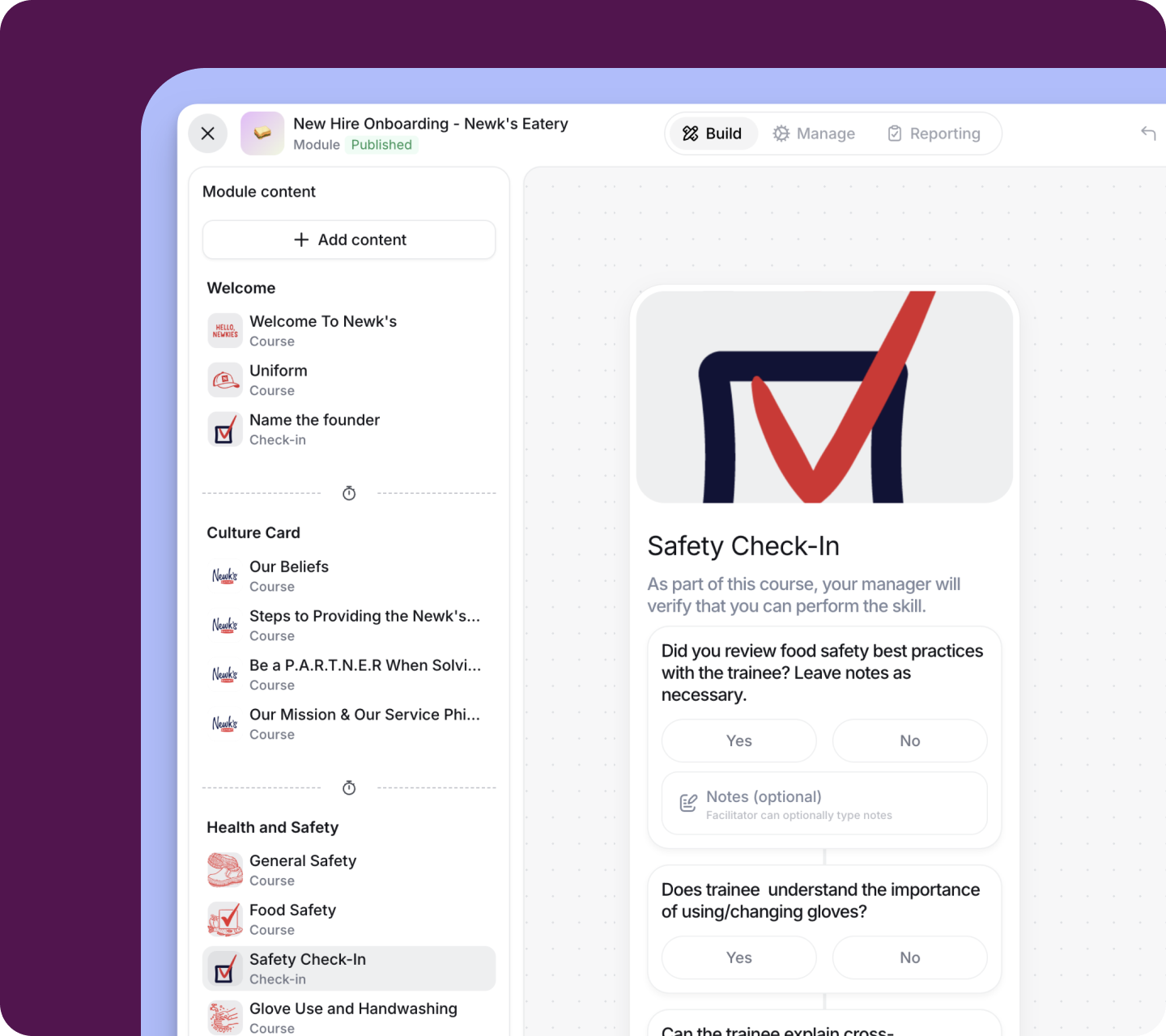
Built-in skill verification
Shadowing and coaching are essential, but they’re hard to track. Opus makes hands-on coaching visible, repeatable, and tied to real tasks.
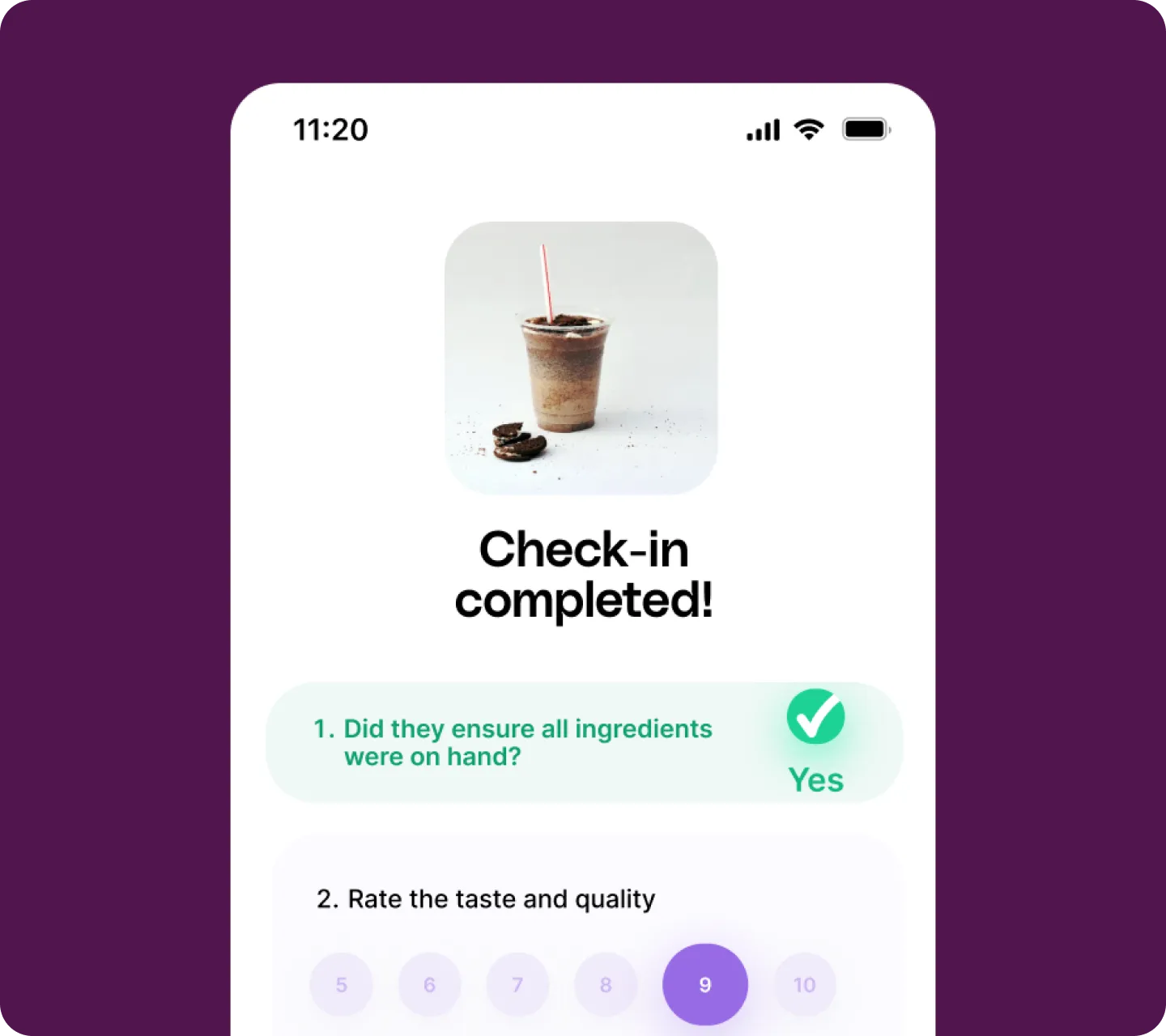
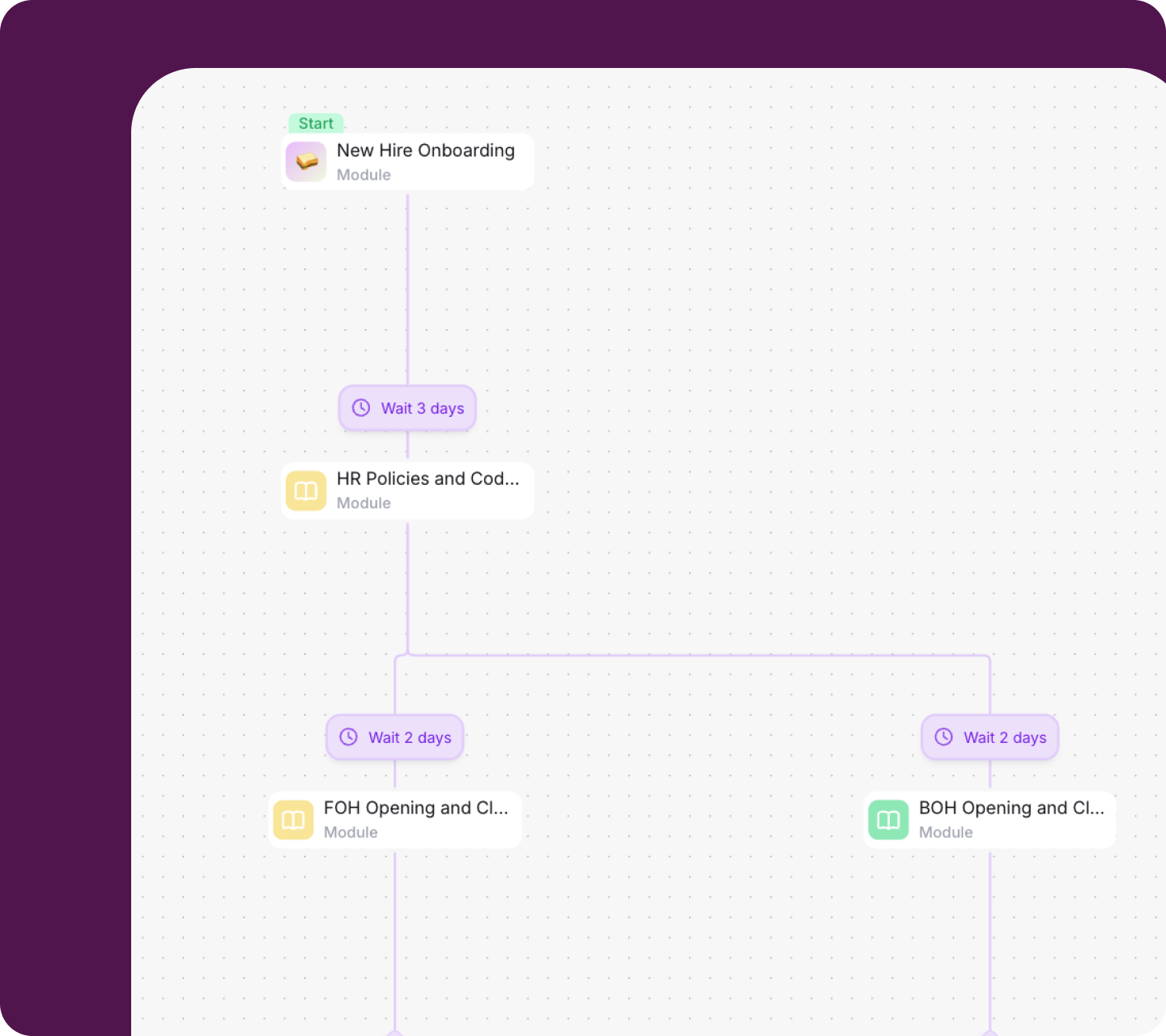
The right training, at the right time, automatically
Drip-fed training beats information overload. Opus delivers short, auto-sequenced lessons that build over time, with checkpoints and time-gating that ensure real learning, not rushed box-checking.

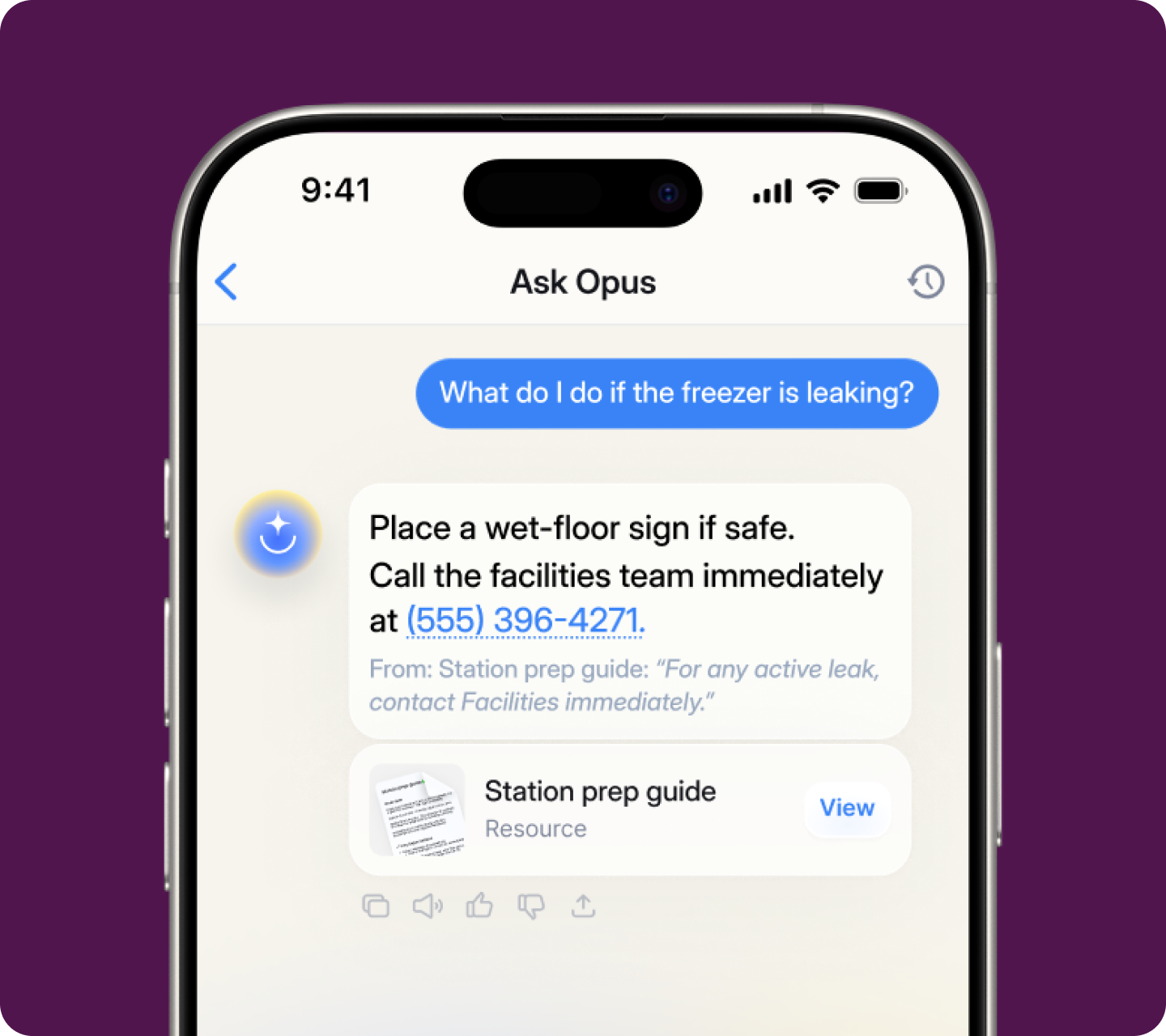
Turn SOPs into instant, in-the-moment answers
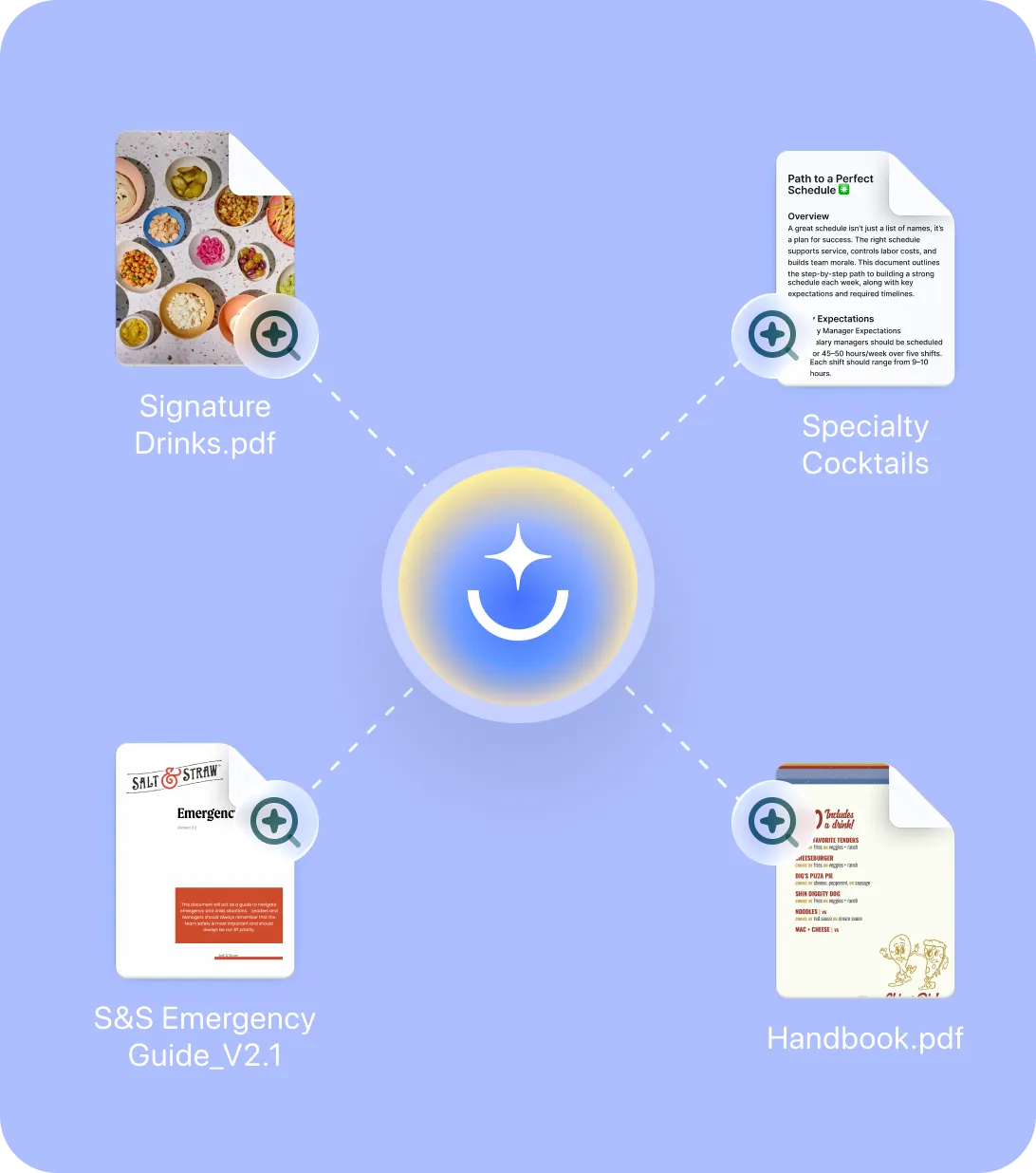
New hires have questions. Instead of asking managers, they can ask Opus—an AI assistant that knows your standards, available 24/7 on the floor.
Built for how you operate
Bahama Buck's — Reduced new hire ramp time by 25% using role-based, mobile-first training across 100+ franchise locations.
.png)
Newk's Eatery — Reduced early turnover with consistent, sequenced, role-specific training paths. Every new hire starts strong with the same baseline standards across 100+ locations.

Bricktown Brewery — Achieved a 9% increase in 90-day retention by blending digital learning with manager-led skill checks—making hands-on training more structured and consistent across locations.

Sparkle Dog Grooming — Reduced 3 days of content into 1.5 hours of focused new hire training, making openings more effective without overwhelming new teams.
The complete training operations platform
Everything your team needs to train, work, and grow—in one place


Frequently asked questions
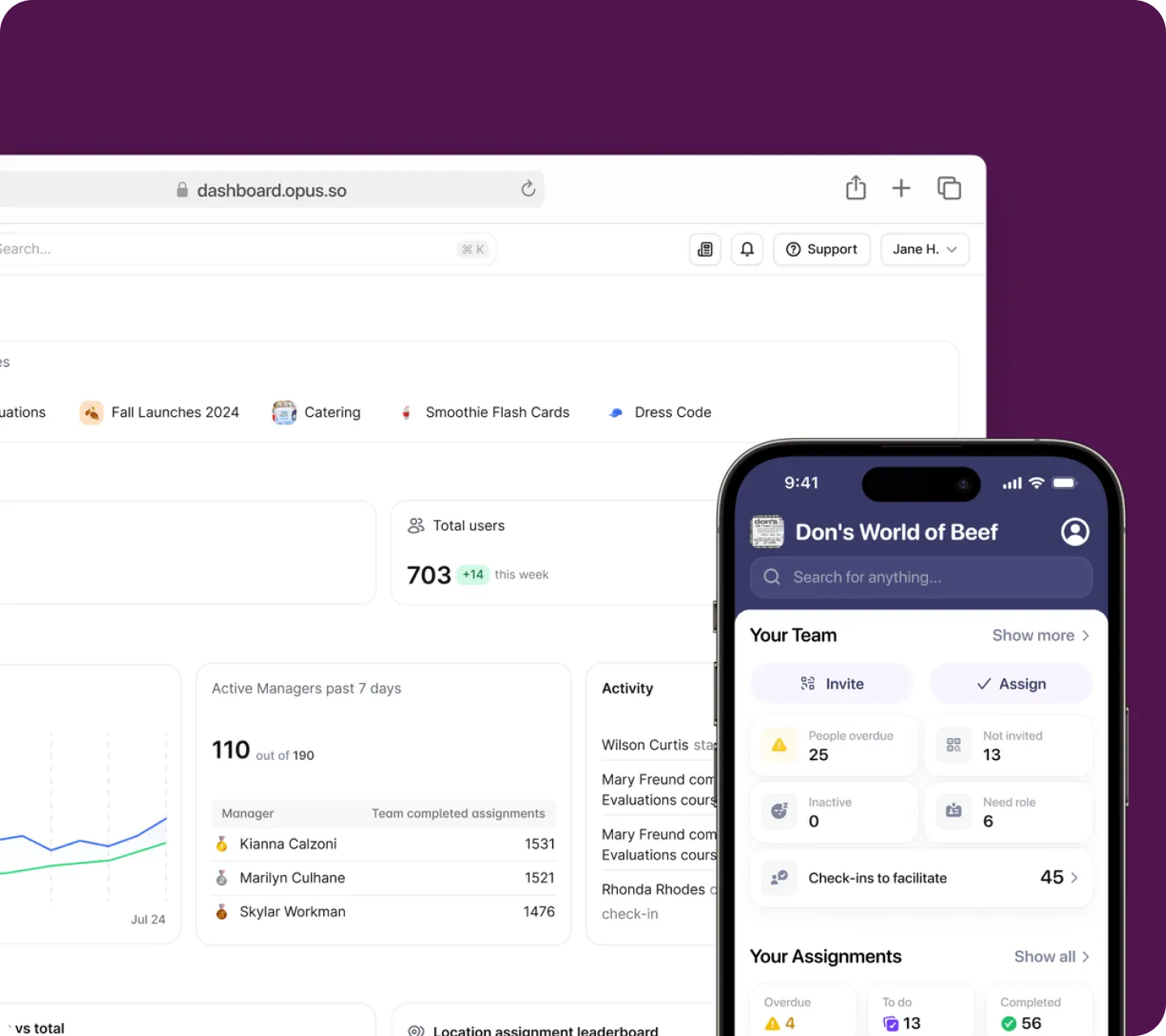
Opus gives managers a mobile app designed for frontline leadership. They assign training, track progress, verify skills on the floor, and support their teams without stepping away from operations. The app highlights who needs support, who’s due for a Check-in, and who deserves recognition. New hires can rely on Ask Opus to answer routine questions, freeing up manager time. Role-based training paths assign automatically and follow a clear sequence, so managers guide the process instead of troubleshooting it for every new hire.
Teams using Opus report faster ramp times and better manager retention, because leaders finally have a system that matches the demands of the job.
Ready for
what’s next?
